

Today I will present you the new product GoldenGate Studio which was announced at the last Oracle Open World. This product allows to design the replication flows and deploy a solution with a graphical tool.
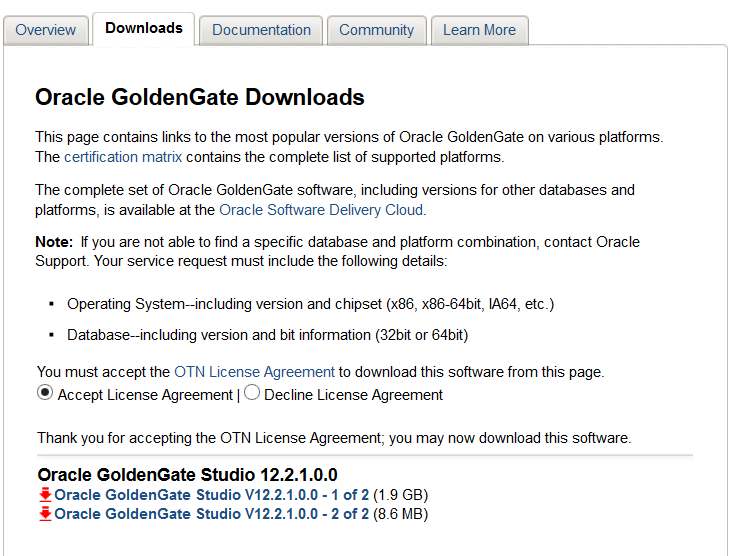
Download
The first step is to download GoldenGate Studio. It is available here.
Installation
The second step is to install the product.
After you have transferred the installer to the server decompress it.
oracle@goldengate122:/tmp/goldengate_studio/ [rdbms12102] ll
total 2035484
-rw-r--r-- 1 oracle oinstall 2075304013 Jan 25 17:54 fmw_12.2.1.0.0_oggstudio_disk1_1of2.zip
-rw-r--r-- 1 oracle oinstall    9020685 Jan 25 17:46 fmw_12.2.1.0.0_oggstudio_disk1_2of2.zip
oracle@goldengate122:/tmp/goldengate_studio/ [rdbms12102] unzip fmw_12.2.1.0.0_oggstudio_disk1_1of2.zip
Archive:  fmw_12.2.1.0.0_oggstudio_disk1_1of2.zip
 extracting: fmw_12.2.1.0.0_oggstudio_generic.jar
oracle@goldengate122:/tmp/goldengate_studio/ [rdbms12102] unzip fmw_12.2.1.0.0_oggstudio_disk1_2of2.zip
Archive:  fmw_12.2.1.0.0_oggstudio_disk1_2of2.zip
  inflating: fmw_12.2.1.0.0_oggstudio_generic2.jar
oracle@goldengate122:/tmp/goldengate_studio/ [rdbms12102] ll
total 4070964
-rw-r--r-- 1 oracle oinstall 2075304013 Jan 25 17:54 fmw_12.2.1.0.0_oggstudio_disk1_1of2.zip
-rw-r--r-- 1 oracle oinstall    9020685 Jan 25 17:46 fmw_12.2.1.0.0_oggstudio_disk1_2of2.zip
-rw-r--r-- 1 oracle oinstall    9023463 Dec 23 09:07 fmw_12.2.1.0.0_oggstudio_generic2.jar
-rw-r--r-- 1 oracle oinstall 2075303807 Dec 23 09:08 fmw_12.2.1.0.0_oggstudio_generic.jar
For launching the installer it is mandatory to have at a minimum Java version 8 (1.8). If this is not available it can be downloaded here.
To start the installation, launch the fmw_12.2.1.0.0_oggstudio_generic.jar.
oracle@goldengate122:/home/oracle/Downloads/jdk1.8.0_71/bin/ [rdbms12102] ./java -jar /tmp/goldengate_studio/fmw_12.2.1.0.0_oggstudio_generic.jar
Launcher log file is /tmp/OraInstall2016-01-27_11-32-39AM/launcher2016-01-27_11-32-39AM.log.
Extracting files.........................................................
Starting Oracle Universal Installer

Checking if CPU speed is above 300 MHz.   Actual 2494.224 MHz    Passed
Checking monitor: must be configured to display at least 256 colors.   Actual 16777216    Passed
Checking swap space: must be greater than 512 MB.   Actual 4095 MB    Passed
Checking if this platform requires a 64-bit JVM.   Actual 64    Passed (64-bit not required)
Checking temp space: must be greater than 300 MB.   Actual 20756 MB    Passed


Preparing to launch the Oracle Universal Installer from /tmp/OraInstall2016-01-27_11-32-39AM
Log: /tmp/OraInstall2016-01-27_11-32-39AM/install2016-01-27_11-32-39AM.log
Logs successfully copied to /u01/app/oraInventory/logs.
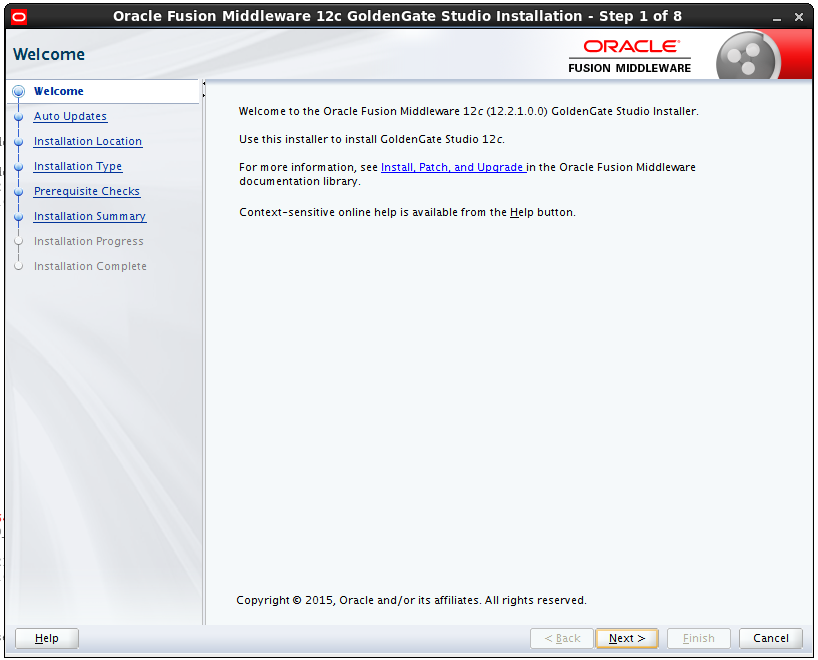
The OUI (Oracle Universal Installer) will start. On the first screen just click on the next button.
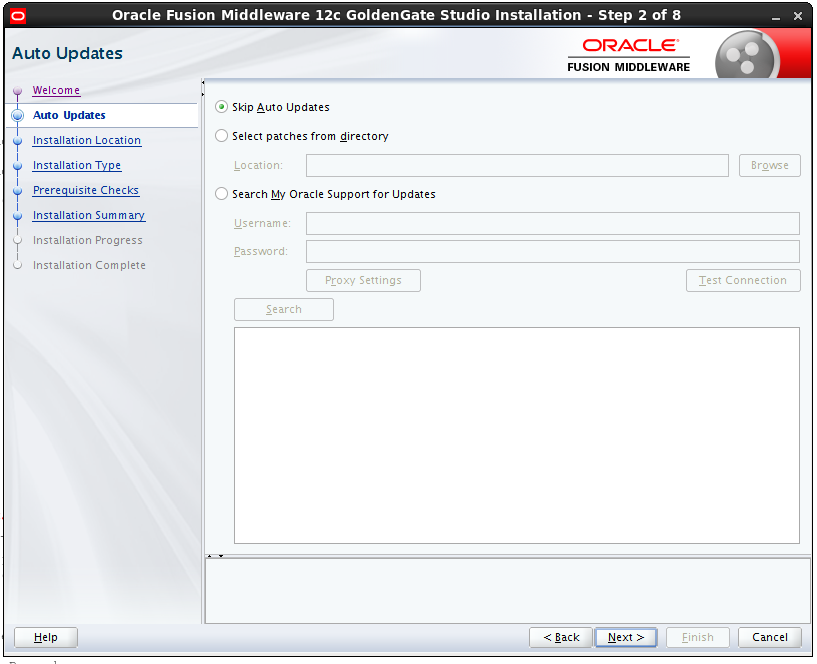
On the next screen, we can choose the option for the updates. In my case, I leave the option to skip the auto updates.
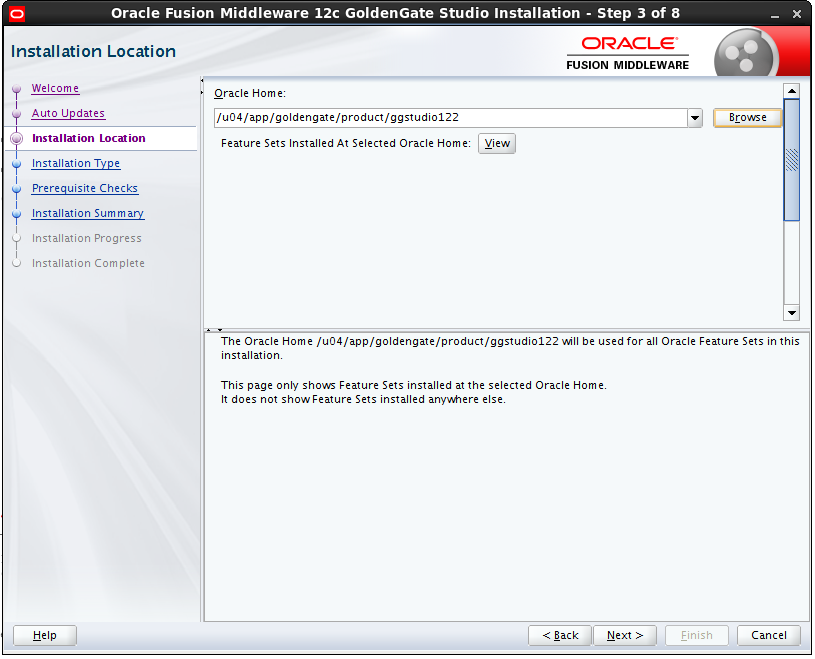
Fill up the software location desired for GoldenGate Studio.
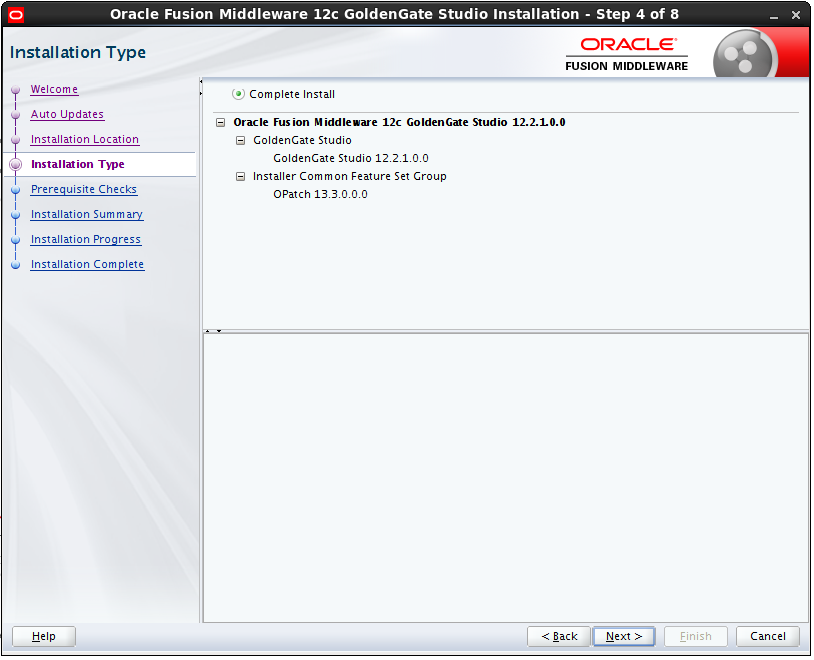
Choose the option Complete installation.
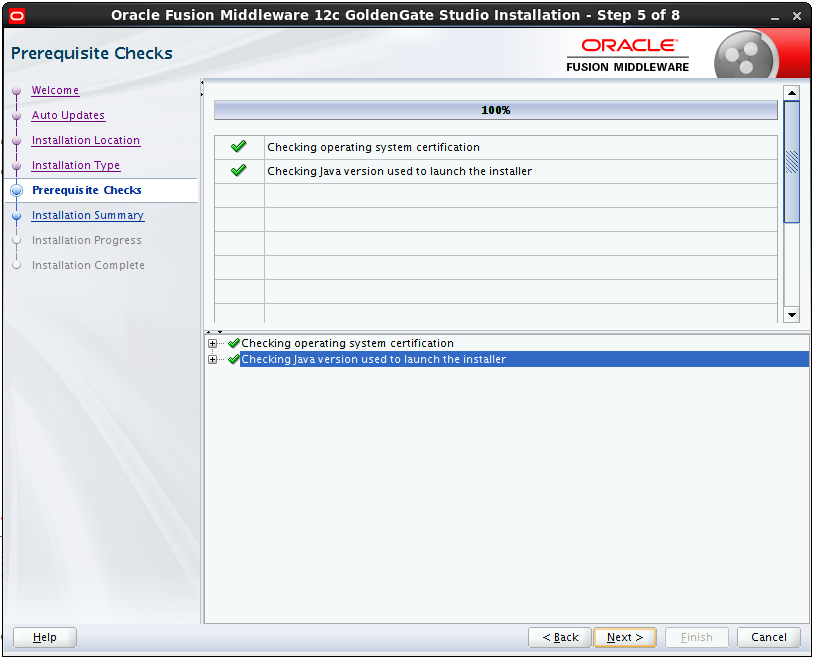
On the next screen, we can see some prerequisite checks.
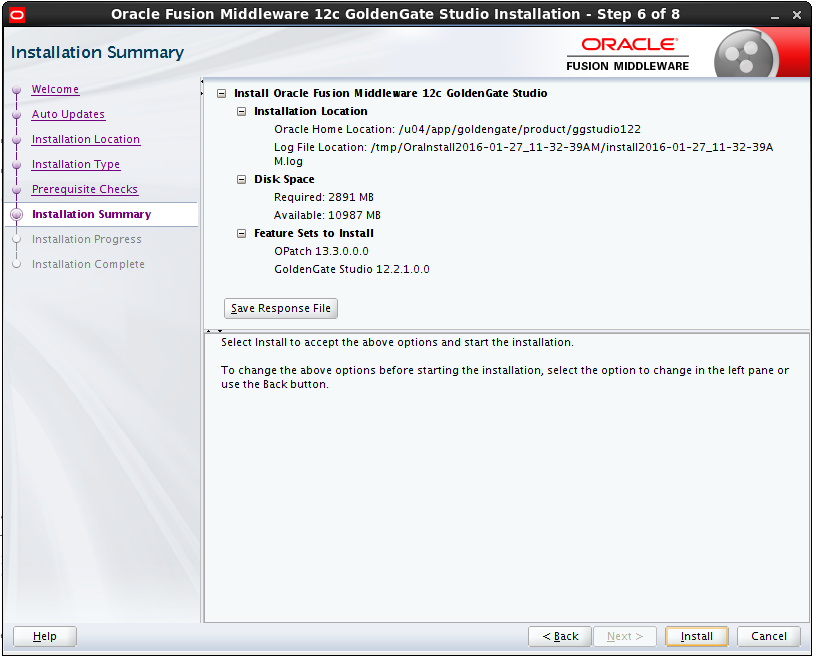
The OUI provides a summary of the configuration. Click on next button, if all is ok.
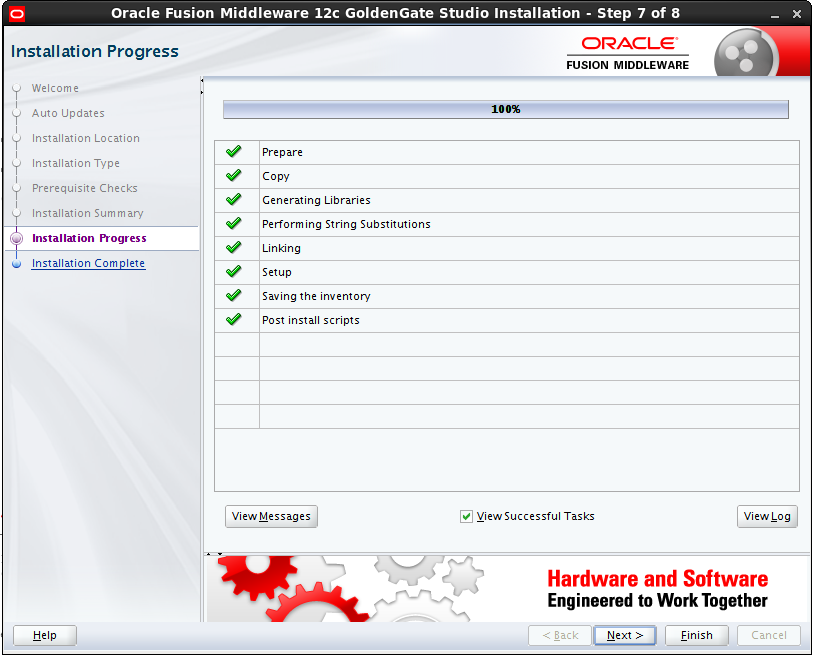
The installation is done
At the end OUI provides a summary of the installation with the location of the logs.
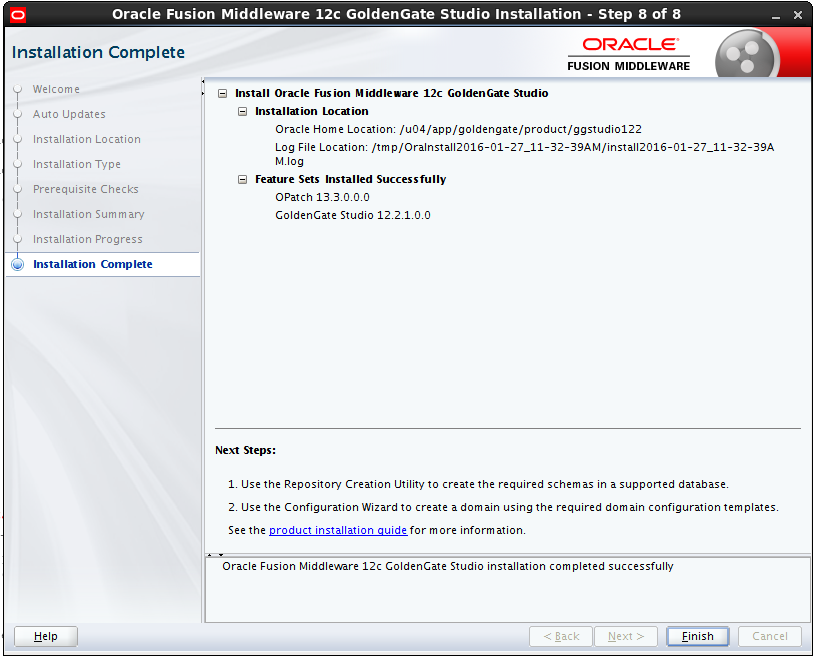
Now GoldenGate Studio is installed.
To work properly GoldenGate Studio needs a repository. In a next blog I will explain how to create it.